
Getting started with ComfyUI is super simple with the self-contained windows portable version from the GitHub page from the “Install” section.
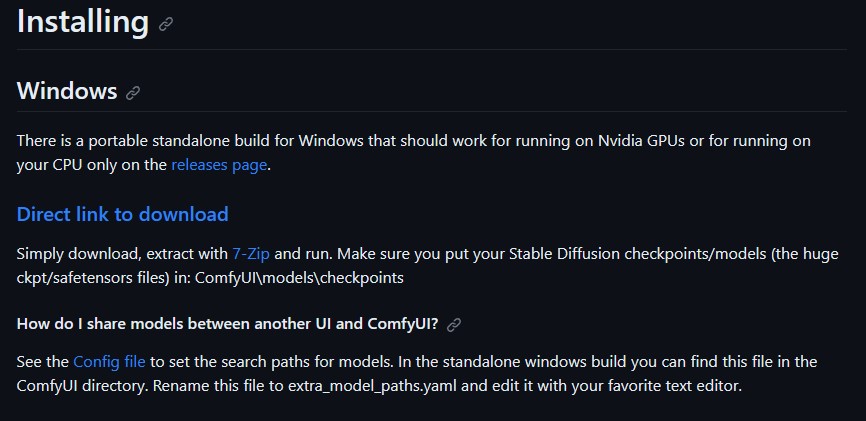
Simply download, extract with 7-Zip and run “run_nvidia_gpu.bat”.
Place your Stable Diffusion checkpoints/models in: ComfyUI\models\checkpoints
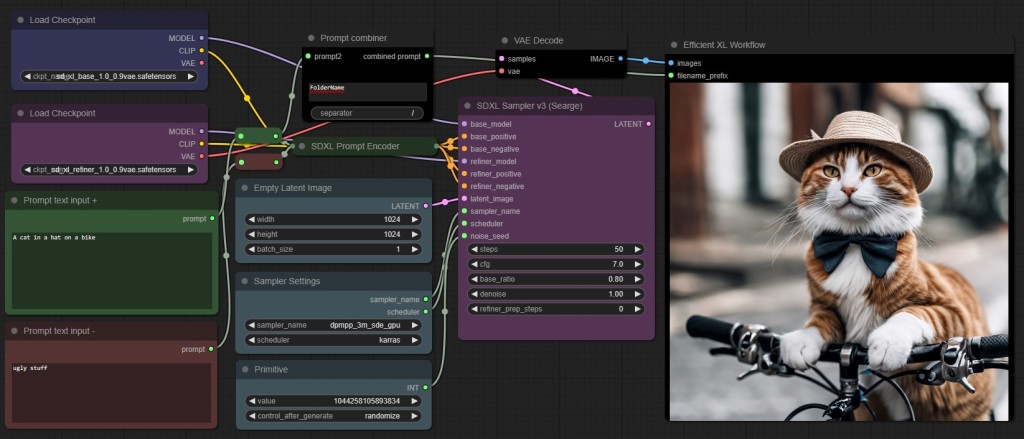
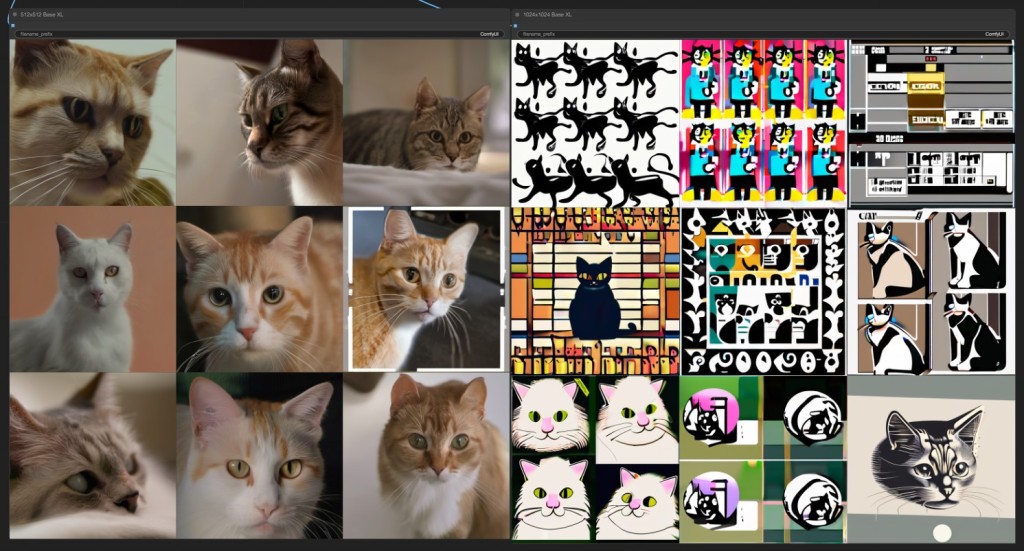
You can find the Stable Diffusion XL base and refiner models to download on StablityAI’s Huggingface. I recommend using the 0.9VAE versions as the 1.0 have latent decoding issues that result in horizontal artifacts.
If you are looking to use a version of Stable Diffusion 1.5 (for AnimateDiff) or 2.1, I recommend finding some you like from civitai.com.
Next you will want the Extension Manager for ComfyUI to easily download and install custom nodes and models to expand the possibilities of new workflows.
Since we are using the portable version of ComfyUI you will also need to install git.
Next navigate to the location on the Extension Manager github page and download the installer .bat from the “install” section.
Place the .bat file in your “ComfyUI_windows_portable” folder and double click to run and install the manger. Now when you launch Comfy you will have a new button to find and update extensions.
Alternatively, if you have Visions of Chaos installed you can simply navigate to the Machine Learning tab > Image Generation > Stable Diffusion Web UI > ComfyUI and it will install the interface as well as the Extension Manager.

 Doctor Diffusion
Leave a comment